
Updated
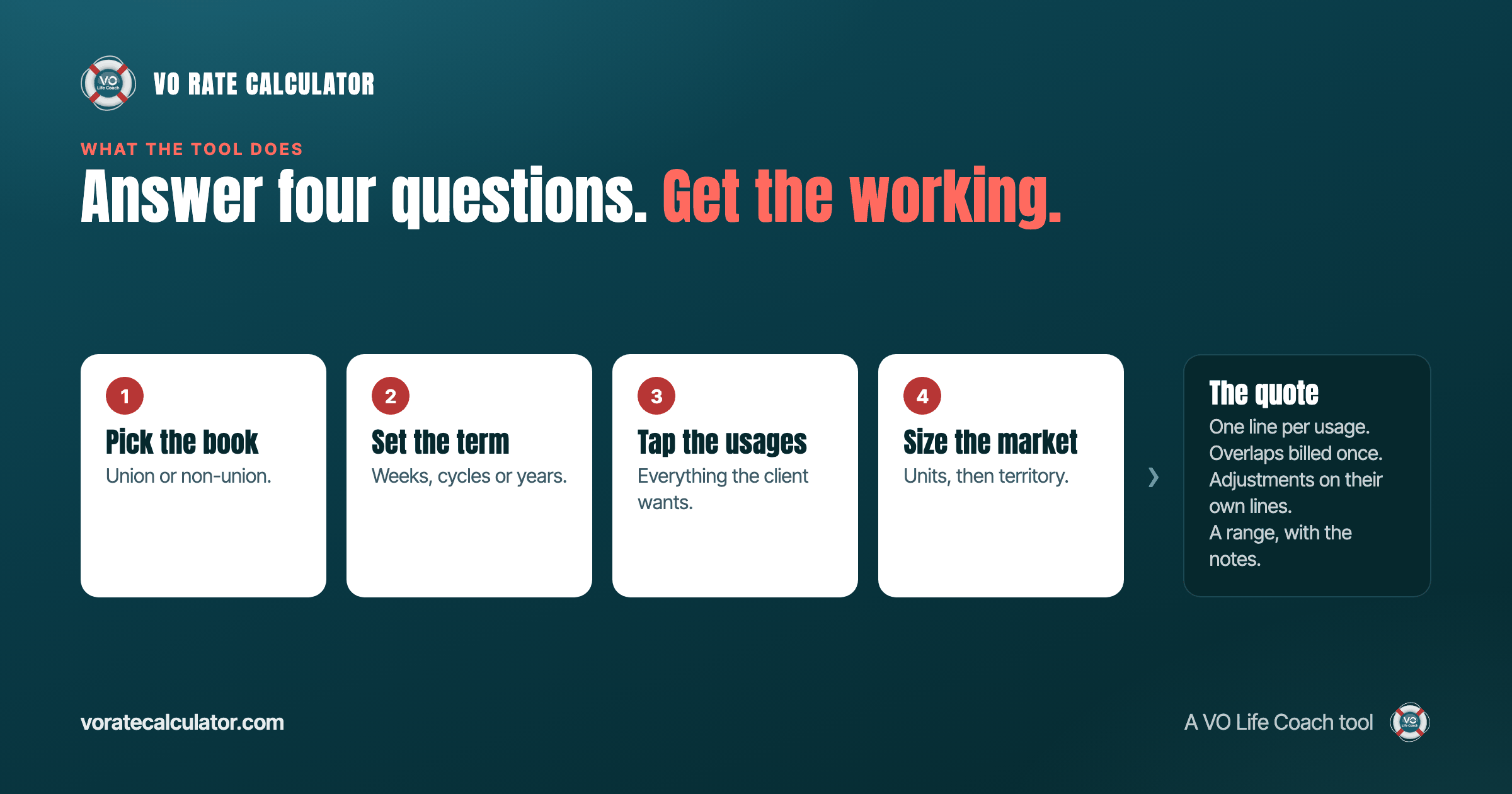
A client emails a brief. You need a number before you reply. The VO Rate Calculator exists for that gap. You answer four questions about the job, it applies the rules that decide a voice over fee, and it returns a range with every line of the working shown. This page walks through what it asks, what it does with each answer, and what you get back.
What it is
The VO Rate Calculator is a quoting tool for voice actors. It prices a job the way an experienced agent would: by the rights the client is buying, not by the length of the script alone. It covers union and non-union work, broadcast and digital, narration, e-learning, audiobooks, games, promos and phone systems. Every figure behind it comes from public and private industry sources and is fine-tuned with input from working industry experts. The numbers are not typed in by us and they are not a reprint of anyone's guide; see sources for how that works.
It is a VO Life Coach tool. The first three quotes are free. After that it is $2.99 a month or $28.70 a year, and you can cancel whenever you like.
The four questions
Union or non-union
This is the first choice because it decides which book the quote comes from. Union work is priced against published scale: a floor the producer must pay, with pension and health on top and agent commission out of the fee. Non-union work is priced inside a market range, and where your quote lands in that range is your call. The calculator handles both, and it never mixes them.
How long it runs
Term is the licence window. Pick a standard term, from four weeks to two years, or type a custom number of weeks. Terms the guides do not publish are interpolated between the ones they do, on a curve that flattens as the term lengthens, because usage pricing works that way in practice. Union terms round up to whole cycles, because that is how union use is bought.
Where it runs
Tap every usage the client wants. TV, radio, cinema, streaming, pre-roll, paid social, organic web, in-store, promos, trailers, narration, e-learning, audiobooks, games, animation, phone systems. Add as many as the job has. The calculator knows which rights contain which: a streaming buy already includes pre-roll and paid social, so selecting all three bills once and says so in the notes.
Market and territory
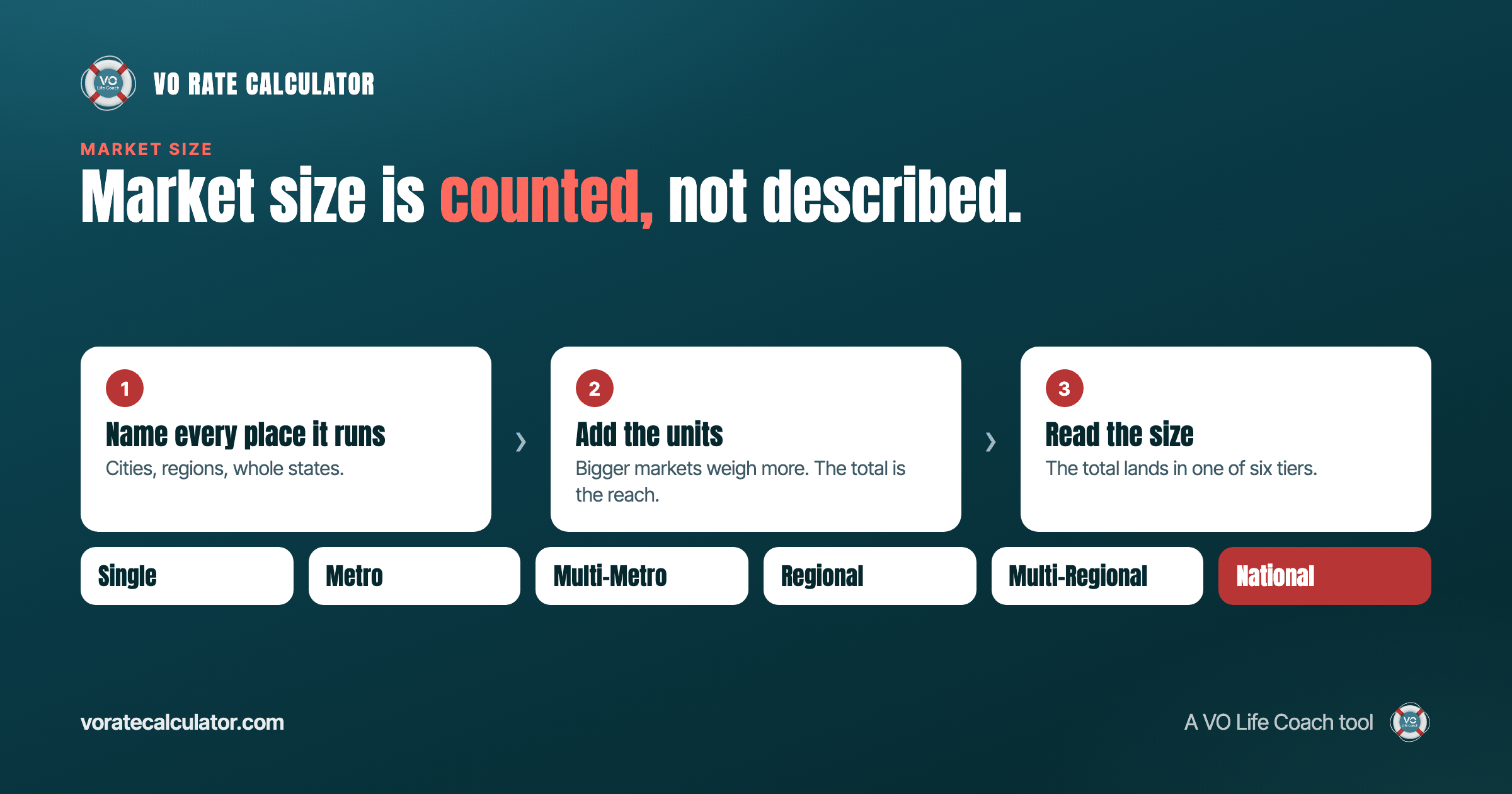
Broadcast usage is priced by reach. Name the places the spot runs and the calculator counts them in units, then sets the market size from Single up to National. If the licence crosses a border, pick the territory: United States only, United States and Canada, one other country, a multi-country region, or worldwide. Territory is priced as its own line on the quote, so the client can see what the extra countries cost.
What it does with the answers
The calculator applies the rules for the category you picked. It resolves overlapping rights so nothing is billed twice. It applies the published combined rates for common pairs of media, but only when the combination is actually cheaper than the parts at the same market, and it tells you which it used. It adds exclusivity as a multiplier on the whole package if you ask for it, and a renewal uplift if the job is a renewal rather than a new booking. On a union job it separates performer scale, the producer's pension and health contribution, and the agent's commission, so you can see who pays what.
Then it returns a range. Not a single number, because a single number implies a precision that does not exist in non-union work. A range tells the client the job has a scale, and gives you room to move without inventing figures halfway through the call.
What you get back
- A headline range for the whole job.
- One line per usage, with the term and market it was priced at.
- Adjustments on their own lines: territory, exclusivity, renewal, agent commission.
- Notes explaining every decision the calculator made, in plain words, so you can read them back to a client.
- The same job priced at a ladder of terms, so you can show a client what a season, a year or two years would cost.
You can copy the quote as text for an email, download it as a PDF, or copy a link that reopens the exact quote later. How to quote a voice over job shows what to put around it.
What is behind the paywall
Everyone gets three real quotes free, with no account. Subscribers get the premium fields: exclusivity, renewal and territory, which carry the largest uplifts. They also get the studio: saved quotes with folders and statuses, a dashboard of booked work, win rate and pipeline, and exports of everything as spreadsheets or a full backup. Account defaults for rate book, term, market and agent are stored so the calculator opens the way you work.
What it will not do
It will not show you the rate book. The figures live on the server and reach you only as a finished quote, which is what makes them worth paying for. It will not invent a rate for something no source publishes; where a guide has no figure, the calculator says so rather than guessing. And it will not tell you what to charge. It tells you what the job is worth in the market, and where you land inside that is still your decision.
Where the figures come from
Non-union figures are averaged from public and private industry references and fine-tuned with input from working professionals. Union figures are the current published scale, with the contract increase applied. None of them is copied straight from a table: every guide figure is adjusted so the calculator is a reference of its own, not a reprint. The full account is on the sources page.
Questions people ask
Is it free? The first three quotes are, with no sign-up. After that it is $2.99 a month or $28.70 a year.
Does it do union rates? Yes. Union TV and audio commercials, with scale, pension and health, agent commission and whole-cycle rounding handled for you.
Does it work for international jobs? Yes. The territory question prices a licence for Canada, one other country, a region, or the world on its own line.
Can I save quotes? Subscribers can save, file, tag and export quotes, and mark them booked to track revenue.
Can I send a quote to a client? Copy it as text, download it as a PDF, or send a link that reopens it.
Is it a price list? No. It is a well-sourced starting point for a negotiation. The guides it draws on say the same about themselves.
Start with a job you already have
The fastest way to understand it is to price a job you quoted last month and see where you landed. Open the calculator, pick the usage, set the term, name the markets, and read the notes. If the range surprises you, the notes will tell you why. If a word in the brief is unfamiliar, the glossary defines it, and how voiceover rates are built covers the four inputs in full.